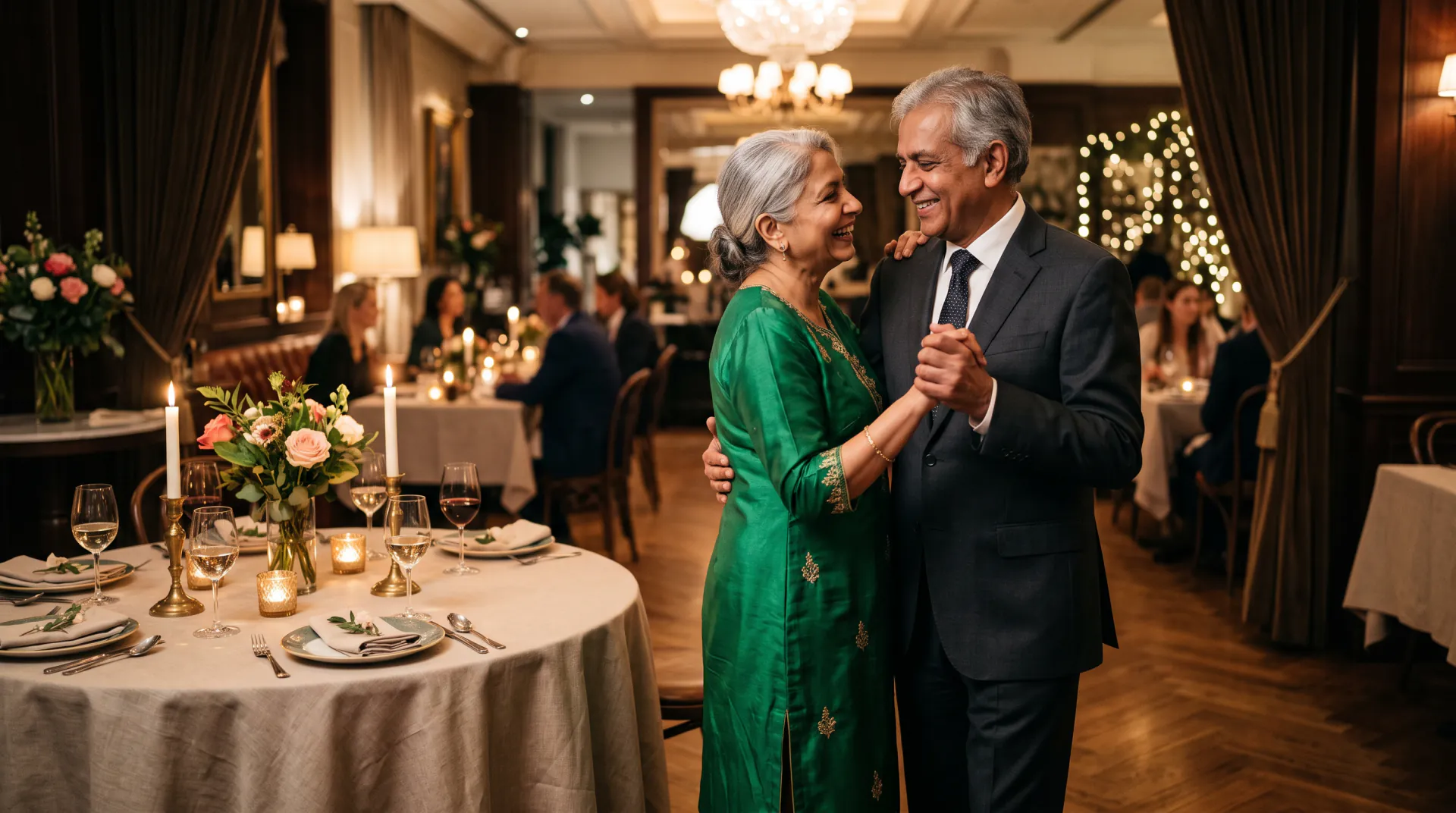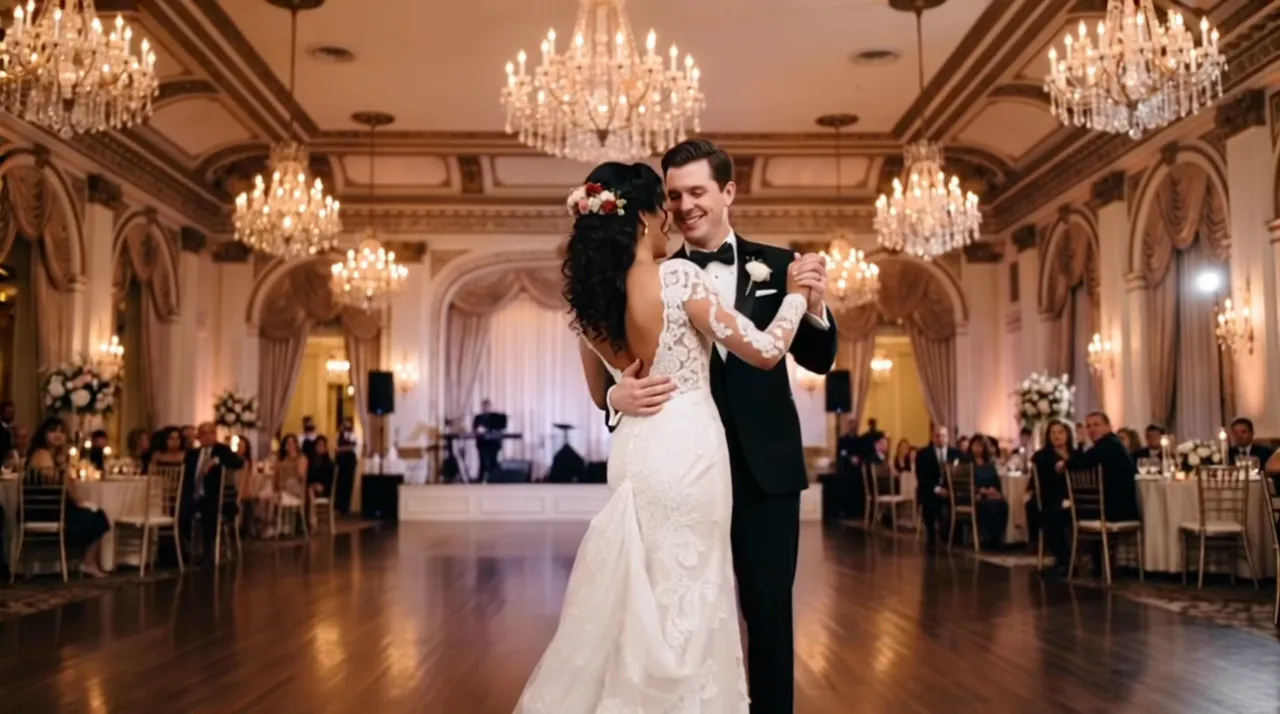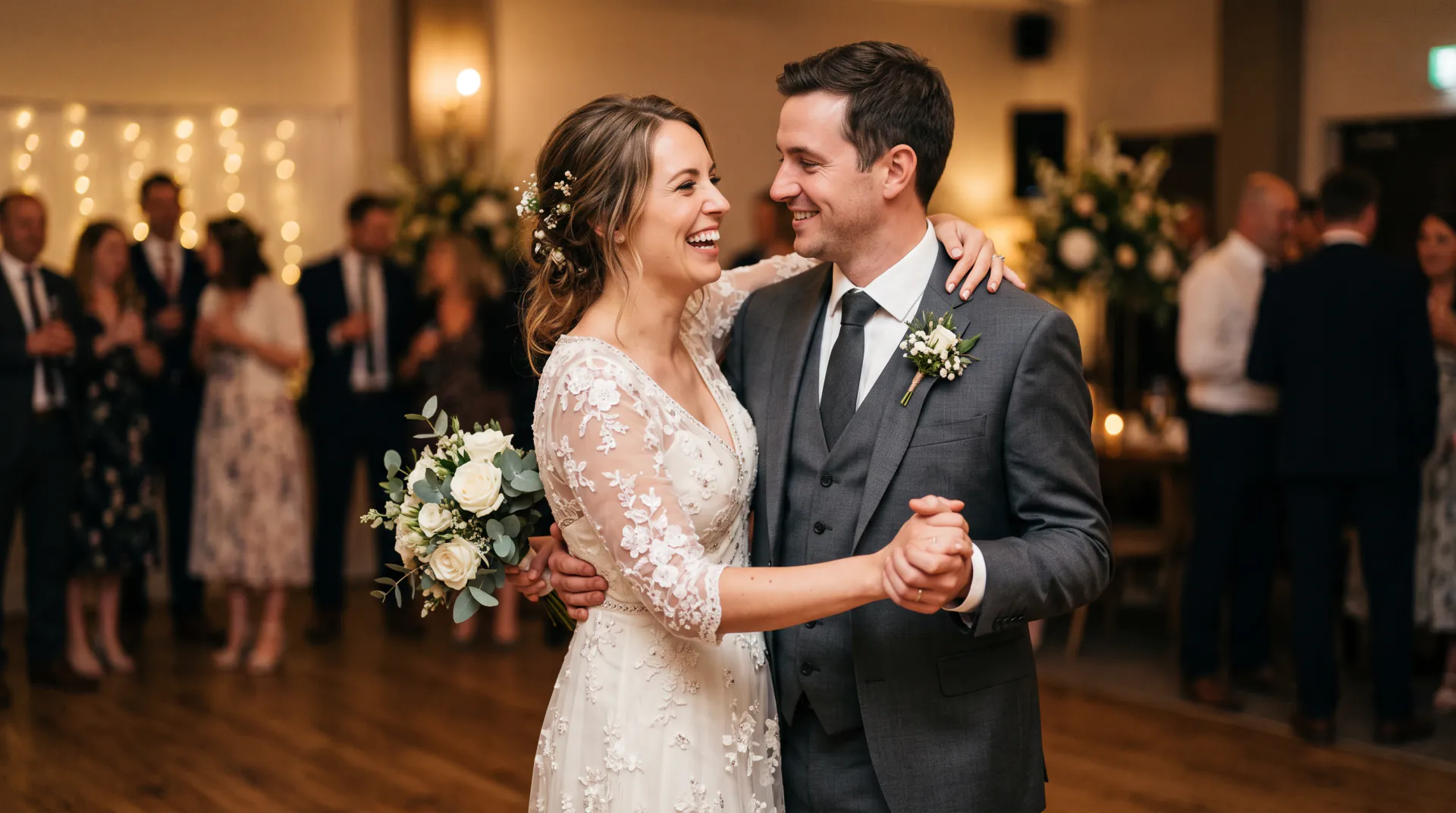
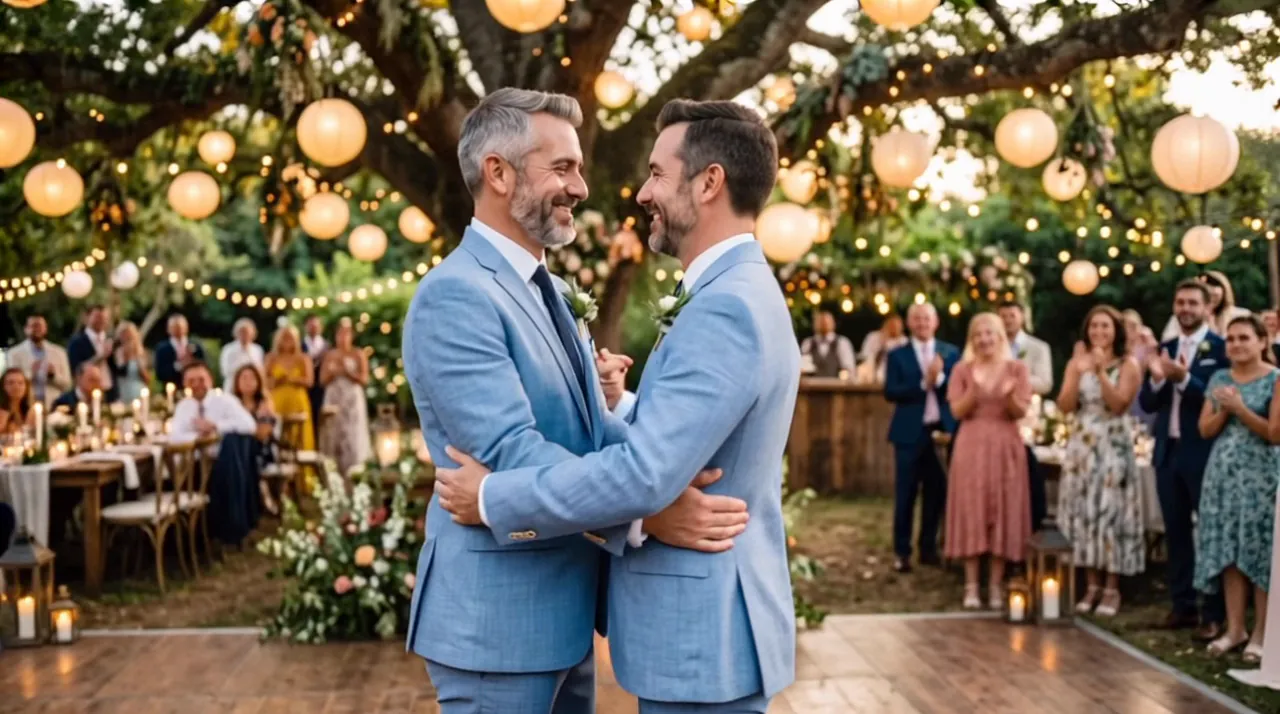
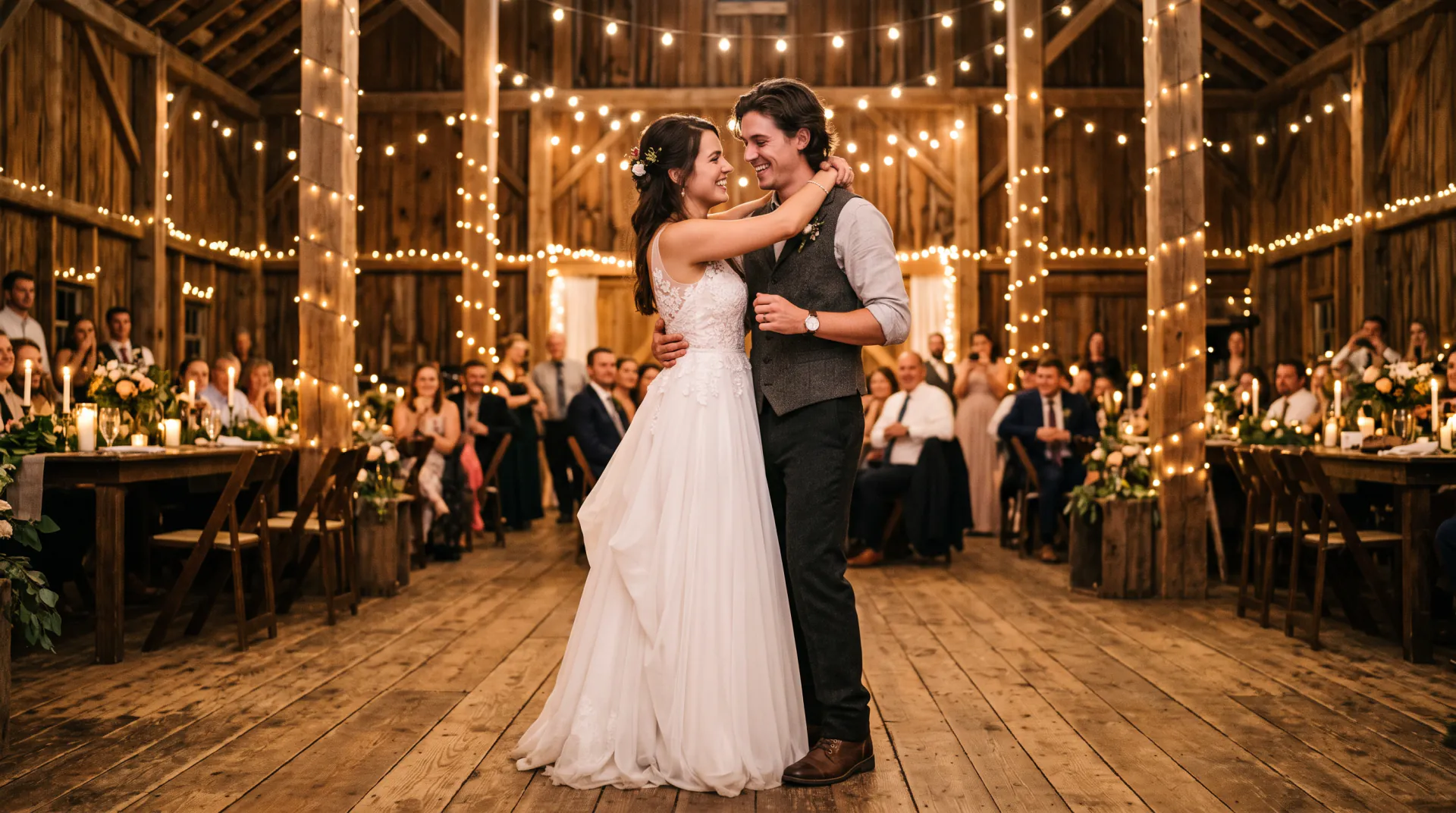
The two of you, dancing

Couple dance video of the two of you, slow dancing

Never filmed yourselves dancing? Upload a photo of you and your partner, or a photo of each of you, and get a short slow dance in your kitchen, on a beach or under the stars.

  • First video free: one per network every 30 days
  • No photo together needed
  • Vertical 9:16
One photo of the couple, or one photo of each person with Two separate photos. PNG, JPEG or WebP, up to 10 MB each.
Try
Photos
Shape
Resolution
Length

150 credits

Buy credits

Add a photo to continue

At a glance

First Dance Video makes a couple dance video from your photos: one photo of you together, or one photo of each partner. The two of you slow dance closely, swaying and turning, in the setting you describe. Vertical 9:16 suits Reels and TikTok. Clips run 5, 8 or 10 seconds at 30 credits per second.

Photos
One photo of you together, or one photo of each partner
Price
30 credits per second; a 5-second video is 150 credits (about $1.36 to $1.50)
Free first video
One 5-second video for a new account, once per network (an IPv4 address or IPv6 /64) every 30 days
Length
5, 8 or 10 seconds
Best format for Reels and TikTok
9:16, with Two separate photos

A dance video without filming one

  • 01

    No photo together needed

    Two separate photos, one of each partner, are enough: the video puts you side by side and dancing.

  • 02

    Anywhere you like

    Your kitchen, a beach, a rainy street or a dance hall. Describe it in a few words and the dance happens there.

  • 03

    Made for the feed

    Vertical 9:16 is the default for two photos, ready for Reels, TikTok, Stories and WhatsApp status.

How to make a couple dance video

  1. 01

    Add your photos

    Two separate photos of each partner, or switch to One photo of the couple if you have a good one together.

  2. 02

    Describe the place

    Write where you are dancing and the light, or click one of the examples.

  3. 03

    Create and post

    Download the MP4 and add your song or caption in the app you post with.

Two photos, one dance

With Two separate photos, the model uses each photo as a reference for one person and builds a new shot with both of you in it. Choose photos with similar light and a similar distance from the camera, so the two of you look like you belong in the same scene.

Head-and-shoulders photos work, but photos that show more of the body give the model more to keep, such as your clothes and height.
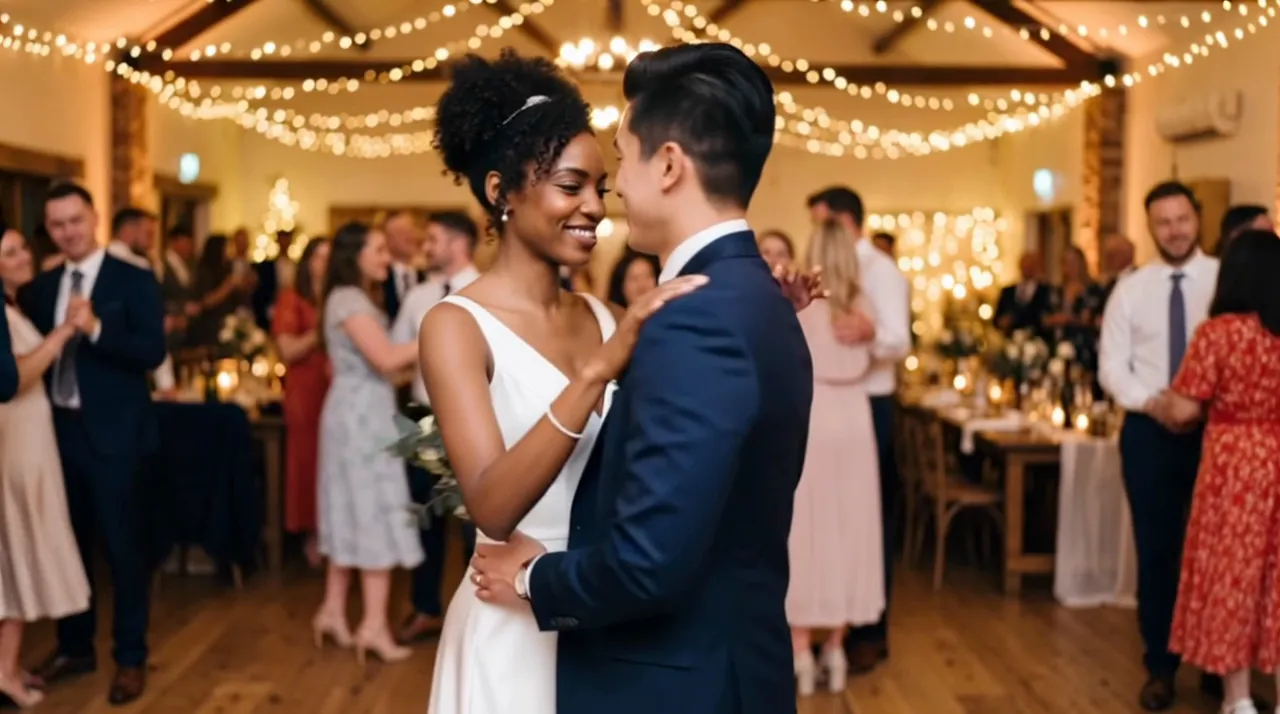
It is a slow dance

The site asks the model for a close slow dance with gentle turns, because that is what looks natural and keeps faces stable. Fast moves such as spins in quick succession, lifts or quick footwork tend to blur and change faces, so keep requests calm: one slow spin, a dip or a sway.

Photo tips for a better dance

The photo matters more than the prompt. These habits give the model the most to keep:

  • Both faces visible, sharp and well lit, not turned away from the camera
  • Most of both bodies in the frame, so the dress and suit can move
  • Some space around the couple for the camera to circle
  • No heavy filters, stickers or text over the picture
  • For two photos: similar light and framing for both people
  • Only photos you have the right to use

Couple dance video FAQ

Can we make a dance video without a photo together?

Yes. Choose Two separate photos and upload one clear photo of each partner. The video places you together and has you slow dance in the setting you describe.

Which format should I pick for TikTok or Reels?

Choose 9:16 with Two separate photos. With One photo of the couple the video keeps the photo's shape, so start from a vertical photo if you want a vertical clip.

Can it do fast dances like salsa?

It is built for a slow dance: the instruction asks for close, gentle swaying and turning. Faster moves can be described, but quick footwork tends to blur and change faces, so slow dances look best.

Dance together, from two photos

Upload your photos and describe the place. A new account's first 5-second video is free, once per network (an IPv4 address or IPv6 /64) every 30 days.

Last updated November 9, 2026

Create your account